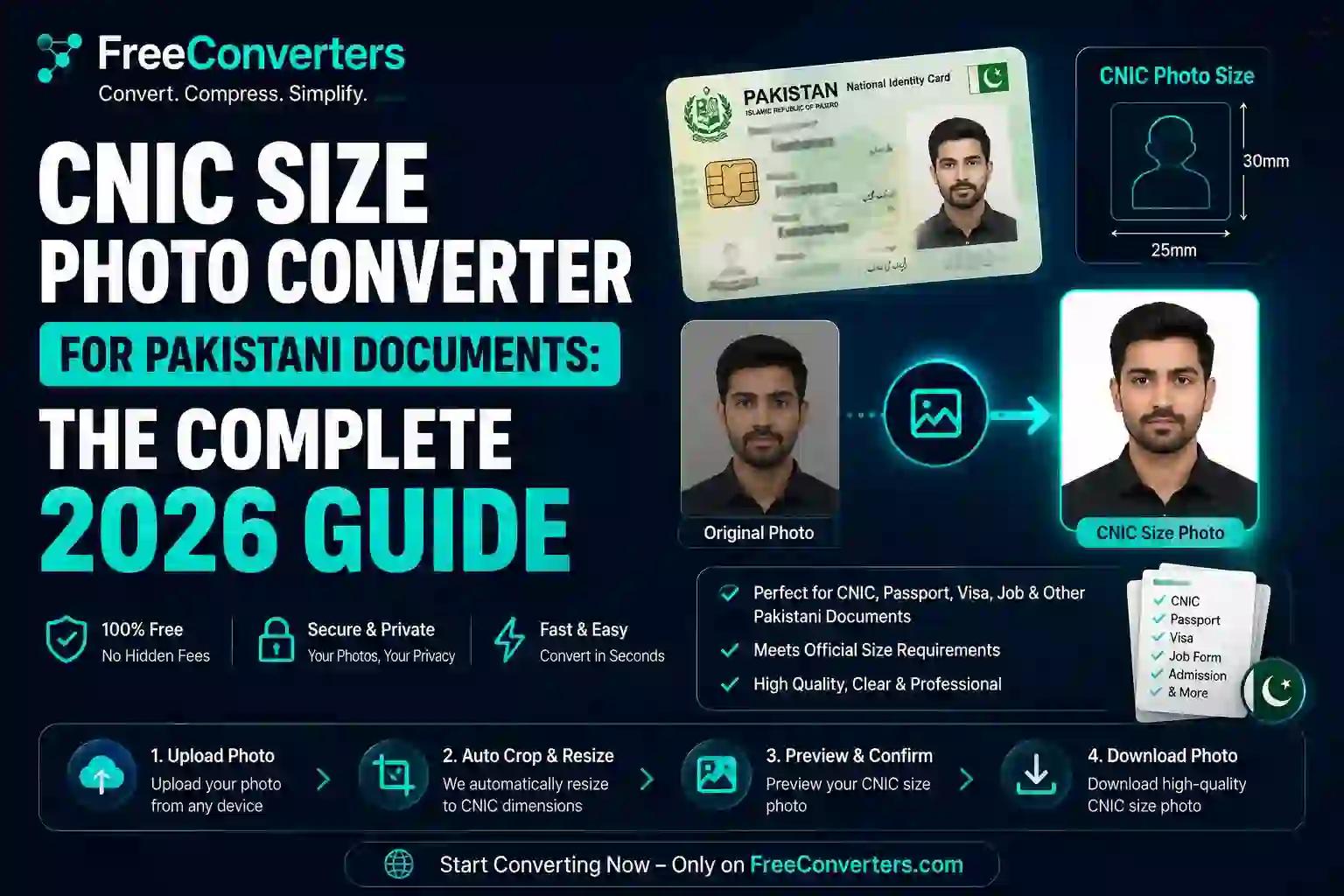
CNIC Size Photo Converter for Pakistani Documents: The Complete 2026 Guide
Anyone who's renewed a CNIC recently knows the drill — you get to NADRA, hand over your documents, and then get told your photo doesn't meet spec. Wrong background color, wrong dimensions, or a file that's too large for their system to accept. It's a small thing that causes a surprisingly big delay, especially since NADRA slots aren't exactly easy to rebook.
The fix is simpler than most people realize. A free CNIC size photo converter can take any photo — one from your phone, an old passport photo, even a scanned copy — and reshape it into exactly what NADRA expects, in under a few minutes. This guide covers the real specifications, the difference between CNIC and passport photo requirements (they're not the same thing), and a step-by-step process for getting it right the first time.
What Is a CNIC Size Photo Converter
A CNIC size photo converter is an online tool that takes a regular photograph and adjusts it to match Pakistan's national identity card photo standards — correct pixel dimensions, correct background color, and a file size that NADRA's systems will actually accept.
This isn't the same as just cropping a photo smaller. NADRA's biometric ID photo requirements are built around consistent framing, so facial recognition and manual verification both work reliably. That means the tool needs to handle head positioning, background replacement, and resolution — not just resizing.
It's also worth understanding early on that CNIC photo size is not identical to passport photo size, even though people often assume they can reuse the same photo for both. We'll break down exactly where they differ further down.
CNIC Photo Size: The Exact Specifications
Here's where a lot of confusion comes from — different NADRA centers and online portals sometimes list slightly different numbers, which is exactly why "cnic size photo pixels" and "nadra cnic card photo size for photoshop" are such commonly searched terms.
Specification | Requirement
Physical size | 1 x 1 inch (25 x 25mm)
Pixel dimensions (300 DPI) | Approx. 295 x 295 pixels
Background color | Light blue (standard for adult CNIC)
File format | JPG (most commonly accepted)
File size | Typically under 50KB for online portals
Head coverage | 70–80% of frame height
For B-form applications (children's registration), the background and size requirements follow a similar pattern but with additional guidelines around framing for younger children, since NADRA's B-form photo requirements account for the fact that toddlers can't always sit still for a studio-style shot.
CNIC Photo vs Passport Photo: What's Actually Different
This trips up more people than you'd expect, because both are official Pakistani ID photos, both are small, and both feel like they should be interchangeable. They're not.
Factor | CNIC Photo | Passport Photo
Standard size | 1 x 1 inch | 1.4 x 1.4 inches
Background color | Light blue | White
Issuing authority | NADRA | Directorate General of Immigration & Passports
Common use | National ID, SIM registration, banking | International travel, visas
If you already have a compliant passport photo and need a CNIC version too, you can't just resize it — the background color alone will get it rejected. Our guide onhow to make a passport size photo online freecovers the white-background version in detail if you need both documents at once.
Why CNIC Photo Compliance Actually Matters
A rejected CNIC photo isn't just annoying — it has real downstream effects:
- Delayed SIM registration. Telecom operators cross-check CNIC photos against NADRA's database; mismatched or outdated photos can flag verification issues.
- Banking account delays. Most Pakistani banks now require a current CNIC photo copy as part of KYC, and inconsistencies slow down account opening.
- Repeated NADRA visits. Megacenters are often booked out weeks in advance — a photo rejection means starting the booking process over.
- B-form and family registration delays. Parents renewing documents for multiple children face this multiplied across each application.
Getting the CNIC size photo right the first time isn't just about convenience — for people juggling job deadlines or travel plans, it can be the difference between a same-week appointment and a month-long wait.
Studio vs Online CNIC Photo Converter: Which Makes More Sense in 2026
Factor | Local Photo Studio | Free Online CNIC Photo Converter
Cost | PKR 150–400 typically | Free
Time | 15–30 minutes plus travel | 2–5 minutes
Availability | Business hours only | 24/7
Background accuracy | Usually correct | Depends on tool quality
Digital copy for online portals | Often not provided | Instant download
Retakes | Costs extra | Unlimited
Studios still have an edge if you want professional lighting handled entirely by someone else. But for most people renewing a CNIC, updating a B-form, or needing a digital copy for an online NADRA application, a free tool gets the job done just as accurately, without the trip.
How to Convert a Photo to CNIC Size Online (Step-by-Step)
Here's the actual process, and it genuinely takes most people under five minutes from start to finish.
Step 1: Start With a Clear, Well-Lit Photo
Face a light source directly — a window works well — and keep your expression neutral. Avoid selfie angles where possible; having someone else take the photo, or using a timer with the phone at eye level, keeps facial proportions accurate, which matters for NADRA's biometric matching.
Step 2: Upload to a CNIC Photo Converter Tool
Upload your photo to a tool that supports CNIC-specific sizing. A well-built converter will offer a CNIC preset separately from a passport preset, since — as covered above — the dimensions and background color aren't the same.
If your source photo is in HEIC format from an iPhone, convert it first using theHEIC to JPG converter, since most NADRA portals expect a JPG file.
Step 3: Auto-Crop to CNIC Dimensions
The tool should detect your face and crop to the 1x1 inch ratio automatically, centering your head so it fills the correct percentage of the frame per NADRA guidelines — rather than you eyeballing the crop manually.
Step 4: Apply the Blue Background
This is the step people miss most often when reusing an old photo. Use the tool's background changer to apply the standard light blue background required for CNIC photos — even a slightly off shade or an uneven blue backdrop from a low-quality photo can trigger a manual review.
Step 5: Compress to the Required File Size
Online NADRA portals and third-party verification apps often cap uploads at a specific size, commonly under 50KB. TheImage Compressoron Free Convertors lets you hit that limit precisely without visibly degrading photo quality — a common frustration when people compress manually and end up with a blurry, pixelated result.
Step 6: Download and Submit
Once your photo is cropped, blue-background, and correctly sized, download it. From here you can:
- Upload it directly to an online NADRA application or SIM registration portal
- Print it at a local shop formatted for standard CNIC photo paper
- Bundle it with other required documents into a single file using JPG to PDF, which several government portals now request instead of separate uploads
Common Mistakes That Get CNIC Photos Rejected
- Using a passport photo instead of a CNIC-specific one. White background photos are consistently rejected for CNIC applications — the background color isn't optional.
- Outdated photos. NADRA generally expects a photo taken within the last six months, especially for renewals.
- Wearing glasses with glare. Reflections can obscure the eyes, which affects biometric verification.
- Photos that are too dark or too bright. Uneven lighting on the face can cause the automated system to flag the image.
- Incorrect file size for online submission. A photo that's technically the right dimensions but exceeds NADRA's upload limit will simply fail to submit.
- Cropping manually in a general photo editor. Free-hand cropping tends to miss the exact head-to-frame ratio NADRA expects — a dedicated CNIC photo resizer avoids this guesswork.
Free vs Paid CNIC Photo Tools
Desktop passport/ID photo software with license keys used to be the standard, but browser-based tools have largely closed that gap. A good free CNIC size photo converter now offers:
- Automatic blue background application
- NADRA-specific size presets separate from passport presets
- Instant file size compression for online portals
- No installation risk from downloading unverified desktop software
Paid desktop tools still make sense for studios processing dozens of ID photos daily in bulk. For an individual renewing their own CNIC or a parent handling a family's B-forms, a free online tool is the more practical choice — a trade-off explored in more depth in our piece on free vs paid image compression tools.
Why Choose Free Convertors for Your CNIC Photo
Free Convertors was built so everyday document tasks don't require installs, sign-ups, or hidden costs. For CNIC photos specifically, that means:
- No watermark on your downloaded photo
- No account required — upload, edit, download
- Support for multiple source formats, whether your original photo is JPG, PNG, HEIC, or WebP
- Precise compression controls, so you can hit exact KB limits for NADRA and telecom portals
- Privacy-first processing, with no photo storage — detailed further in our online tools safety guide
If you're new to browser-based conversion tools in general, the Free Convertors beginner's guide explains why these have largely replaced desktop software for everyday tasks in 2026.
Real-World Examples: How People Use CNIC Photo Converters
The renewal under deadline pressure. Someone renewing their CNIC before a bank account deadline discovers their old photo is expired and doesn't match current specs. Rather than losing their NADRA appointment slot searching for a nearby studio, they take a photo at home, convert it online in under three minutes, and upload it directly to the portal.
The parent handling multiple B-forms. A parent registering three children's B-forms at once finds studio visits with young kids exhausting and expensive. Taking clear photos at home and running each through an online CNIC photo converter — with unlimited retakes until each child's photo is compliant — turns what used to be a stressful half-day errand into something done from the living room.
The freelancer needing both documents. A freelancer needs an updated CNIC for local banking and a passport photo for an upcoming client visa. Since the background colors differ, they use the same base photo and generate both versions separately — a blue-background CNIC photo and a white-background passport photo — without booking two studio sessions.
CNIC Photo for Digital Applications and Online Verification
As more NADRA services move toward digital-first processes — online CNIC tracking, SIM re-verification, digital banking KYC — the definition of "correct" has expanded beyond just print dimensions. Increasingly, you also need:
- A digital file under a specific KB limit
- The correct aspect ratio for the specific portal (not always identical across services)
- A JPG file, since PNG or WebP files aren't always accepted
If your source photo needs converting first, tools like PNG to JPG and WebP to JPG handle that conversion cleanly before you move into cropping and compression — a step people often skip, which causes upload failures even when the photo itself looks fine.
The Future of CNIC Photo Verification
NADRA's systems, like most national ID authorities globally, are moving toward more automated compliance checks — flagging incorrect backgrounds, poor lighting, or improper framing before a human reviewer even sees the application. This mirrors the broader shift toward AI-assisted document verification that organizations like the World Bank's ID4D initiative have documented across digital identity systems worldwide.
The upside for applicants is that the same automated background-detection and face-cropping technology used in verification systems is now built into free online CNIC photo converters. In practice, that means the tool you use to prepare your photo is increasingly aligned with the exact system that approves it — narrowing the gap between "looks right at home" and "officially accepted."
Frequently Asked Questions
What is the correct CNIC photo size in inches and pixels? The standard CNIC photo size is 1 x 1 inch (25 x 25mm), which is roughly 295 x 295 pixels at 300 DPI. Always confirm current requirements with NADRA directly, since specifications can be updated.
Can I upload my own photo for CNIC renewal online? Yes, as long as the photo meets NADRA's background, sizing, and resolution requirements. Self-taken photos processed through a compliant CNIC photo converter are widely accepted for online renewal applications.
What background color does NADRA require for CNIC photos? NADRA requires a light blue background for standard adult CNIC photos. This is different from the white background required for Pakistani passport photos, so the two shouldn't be used interchangeably.
How is CNIC photo size different from passport photo size? CNIC photos are 1 x 1 inch with a blue background, while passport photos are 1.4 x 1.4 inches with a white background. Both size and background color differ, so a photo compliant for one won't automatically work for the other.
Can I print CNIC size photos at home myself? Yes, once the photo is correctly sized and formatted, it can be printed at home on photo paper or taken to a local print shop. Make sure the resolution is high enough (around 300 DPI) to avoid a blurry printed result.
Do glasses affect CNIC photo approval? Yes, glare or tinted lenses can obscure the eyes and cause issues with biometric verification. Where possible, removing glasses for the photo reduces the risk of rejection.
Final Thoughts: Getting Your CNIC Photo Right the First Time
CNIC photo rejections are almost always avoidable — they come down to background color, exact pixel dimensions, or file size, not how the photo actually looks. Understanding that a CNIC photo isn't just a smaller passport photo is the first step to avoiding a wasted NADRA trip.
The most reliable way to handle this without repeat visits is a free CNIC size photo converter that manages cropping, blue background replacement, and file compression together. Try the Image Compressorand Image Converter tools on Free Convertors to prepare a NADRA-compliant CNIC photo in minutes — no studio visit, no watermark, no repeat appointments.