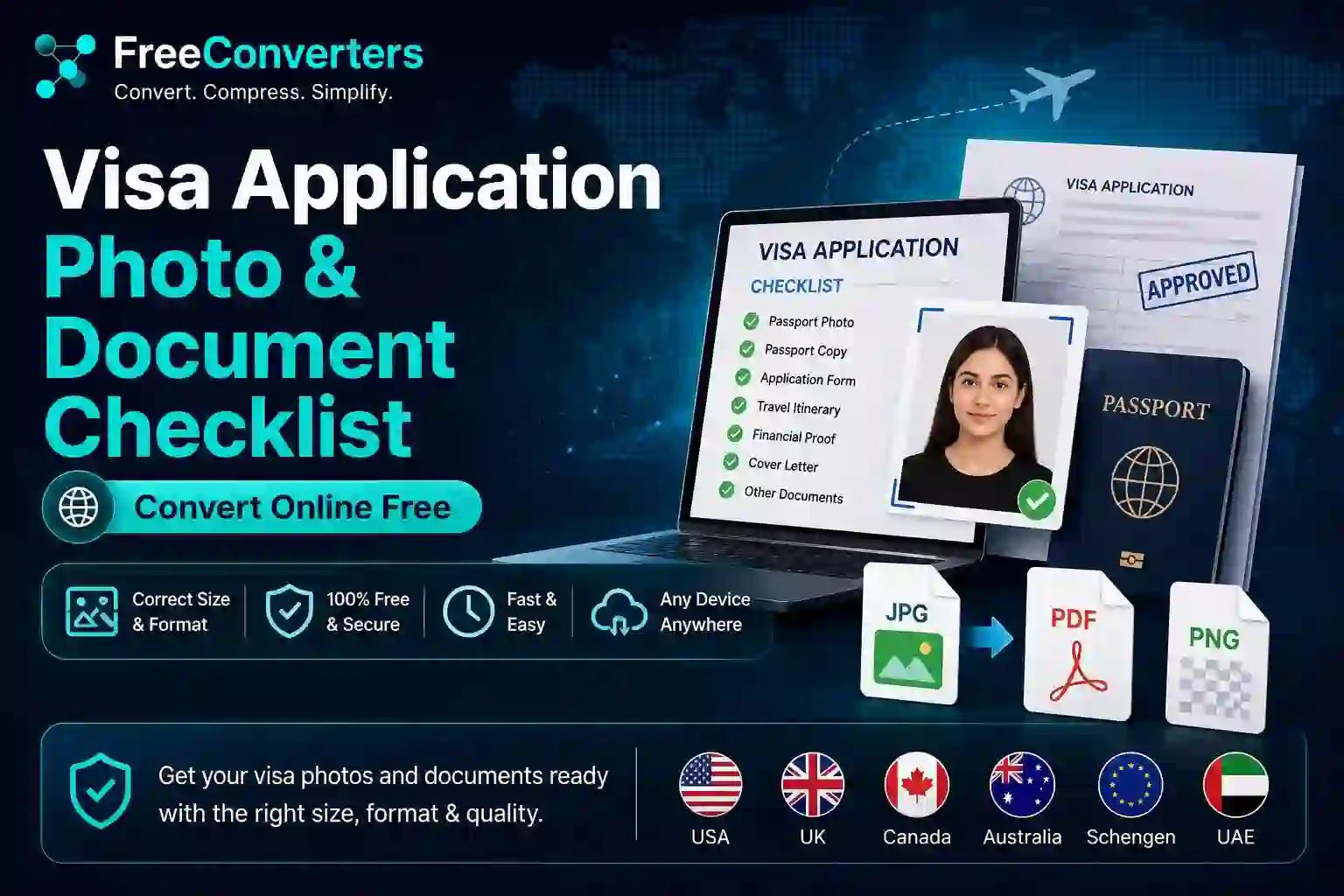
Visa Photo & Document Requirements: 2026 Guide
Visa applications get rejected for surprisingly mundane reasons more often than people expect — not missing income, not weak travel history, but a photo that's 2mm off spec or a document uploaded as the wrong file type. Embassies and visa portals run on precise technical requirements, and a single non-compliant file can delay an application by weeks while you scramble to fix and resubmit it.
This guide walks through exactly what most visa applications require — photo specifications, document formats, and the practical conversion steps to get everything portal-ready — along with a country-by-country comparison for the photo requirements that vary the most. Since exact specifications do get revised by individual embassies and consulates, this guide focuses heavily on the general standards and the conversion process itself, while flagging clearly where you should verify current numbers against your specific destination's official visa portal before submitting anything.
Why Visa Photo and Document Specifications Matter So Much
Visa processing systems, particularly biometric ones, rely on precise, standardized photo and document formats to run automated checks efficiently. A photo that's the wrong size, has an incorrect background color, or exceeds a file size limit doesn't just look slightly off — it often fails automated validation before a human reviewer ever sees the application.
This isn't unique to any one country. The ICAO (International Civil Aviation Organization) photo standard underpins passport and visa photo requirements across most of the world, which is why requirements across different countries share broad similarities (front-facing, neutral expression, plain background) even while specific dimensions and file size limits differ.
Visa Photo Requirements: Country-by-Country Comparison
Here's how photo specifications compare across commonly applied-for visa destinations. Because these figures are periodically updated by individual governments, always cross-check against the specific consulate or visa portal you're applying through before your final submission.
Visa Photo Requirements by Country: Size, Background, and File Specifications
United States (US visa/DS-160) — Photo size: 2x2 inches (51x51mm). Background: plain white. Typical file size limit: usually under 240KB (JPEG). Notes: head must occupy 50-69% of photo height.
United Kingdom — Photo size: 45mm x 35mm. Background: plain light grey or cream. Typical file size limit: usually under 6MB. Notes: no shadows on face or background.
Schengen (EU) — Photo size: 35mm x 45mm. Background: plain white or light grey. Typical file size limit: varies by country portal. Notes: follows ICAO standard closely.
Canada — Photo size: 50mm x 70mm. Background: plain white. Typical file size limit: varies by application type. Notes: specific chin-to-crown measurement required.
Pakistan (general visa) — Photo size: 2x2 inches or 35x45mm depending on destination. Background: plain white. Typical file size limit: varies by destination country. Notes: requirements follow destination country's rules, not Pakistan's.
This table reflects commonly published general standards — always confirm exact current figures on the destination country's official visa or immigration portal, since these specifications are revised periodically and a photo prepared to outdated dimensions can still result in rejection.
What Documents Are Typically Required for a Visa Application?
While specific requirements vary significantly by visa type and destination, most visa applications converge around a core set of supporting documents. Here's the general checklist most applicants need to prepare:
- A recent passport-style photo meeting the destination country's exact specifications
- A valid passport copy — typically the biodata page, sometimes with additional pages if there's travel history to show
- Proof of financial means — recent bank statements, often covering three to six months
- Travel itinerary — flight bookings, hotel reservations, or an invitation letter for the trip
- Proof of residence or employment — an employment letter, business registration, or property documents
- Completed application form — often submitted digitally through the destination country's visa portal
- Additional country-specific documents — invitation letters, sponsorship letters, or prior visa history, depending on the destination
Missing even one item from this list is one of the most common reasons applications get delayed for resubmission, so working through it systematically before you start uploading anything saves real time.
How to Prepare Your Visa Photo: Step-by-Step
Getting your photo right the first time avoids the single most common rejection reason across nearly every visa type. Here's the practical process.
Step 1: Take the Photo Correctly
Use a plain, evenly lit background — a blank wall works well. Face the camera directly with a neutral expression, avoid shadows, and remove glasses if the destination country's guidelines specify no eyewear (most do, though a few allow prescription glasses under specific conditions).
Step 2: Crop and Resize to the Exact Dimensions
This is where most rejections actually happen — not because the photo itself looks bad, but because the pixel dimensions or physical measurements don't match the destination's exact specification. Use an image resizer to crop your photo to the precise dimensions required, whether that's 2x2 inches for a US visa or 35x45mm for a Schengen application.
For Pakistani applicants specifically preparing photos for CNIC-linked documentation or destination visas with Pakistan-specific formatting quirks, our CNIC size photo converter walks through the local formatting nuances that general international guides often miss.
Step 3: Convert to the Correct File Format
Most visa portals require JPEG specifically, not PNG or HEIC (common on newer iPhones). If your photo came straight from a smartphone, run it through an image converter to ensure it's saved as a standard JPEG before uploading.
Step 4: Check the File Size Limit
Visa portals frequently cap photo uploads at a specific file size — often under 240KB to 1MB depending on the country. If your resized photo exceeds this, an image compressor brings the file size down without visibly degrading quality, which matters since a blurry or over-compressed photo can trigger a different kind of rejection.
Step 5: Verify Against the Official Checklist
Before finalizing, compare your photo against the destination country's official published specification sheet one more time — dimensions, background color, head position, and file size all need to match, not just approximately, but precisely.
How to Prepare Your Supporting Documents
Photos get most of the attention, but document formatting causes just as many delays, particularly around file type and organization.
Converting Documents to PDF
Most visa portals request supporting documents as PDF files specifically, even when the original document is a Word file, scanned image, or photo of a paper document. If you're working from a Word document — an employment letter or cover letter, for instance — a Word to PDF converter locks the formatting in place so it displays identically regardless of the reviewing officer's device or software.
If you've received a document as a PDF but need to edit or extract information from it, the PDF to Word tool handles that conversion cleanly in the other direction.
Combining Multiple Pages Into One PDF
Bank statements, in particular, are often multiple pages or multiple monthly exports rather than a single file. Rather than uploading several separate documents (which many portals don't even allow), use a tool to merge multiple images into one PDF so your full statement appears as a single, properly ordered document.
Compressing Oversized PDF Documents
Scanned documents, particularly bank statements with letterhead graphics on every page, can easily exceed a visa portal's upload limit. A PDF compressor reduces file size significantly while keeping the text legible enough for review — this is genuinely one of the most common last-minute fixes needed before a visa application can actually be submitted.
Complete Visa Application Photo & Document Checklist
Use this as a final pass before submission. Each item should be checked against your specific destination country's current published requirements.
- [ ] Photo cropped to exact required dimensions (in mm or inches)
- [ ] Photo background matches required color (plain white, light grey, etc.)
- [ ] Photo saved as JPEG (not PNG or HEIC)
- [ ] Photo file size under the portal's specified limit
- [ ] Passport biodata page scanned or photographed clearly, saved as PDF
- [ ] Bank statements merged into a single, correctly ordered PDF
- [ ] Bank statement PDF compressed to meet upload size limits
- [ ] Employment or invitation letters converted from Word to PDF
- [ ] Travel itinerary documents saved as PDF
- [ ] All documents named clearly and organized before upload
- [ ] Final check against the destination country's official checklist
Why Visa Photos Get Rejected: Common Mistakes
A handful of patterns account for the vast majority of visa photo rejections, and nearly all of them are avoidable with careful preparation.
Wrong background color. Many applicants assume "plain background" means any solid color, when most countries specifically require white, off-white, or light grey — a light blue or beige background that seems close enough often still fails validation.
Smiling or non-neutral expression. Most visa photo standards, following the ICAO guideline, require a neutral expression with a closed mouth — a natural smile that would be perfectly fine for a casual photo is a common rejection cause here.
Glasses or head coverings without proper documentation. Many countries no longer allow glasses in visa photos at all, and head coverings are typically only permitted for religious reasons, sometimes requiring a signed declaration.
Using an old photo. Nearly every visa photo requirement specifies the photo must be recent — typically within the last six months — since the photo needs to reasonably reflect current appearance.
Incorrect head size or positioning within the frame. Even with the right overall photo dimensions, if the head occupies too much or too little of the frame relative to the required percentage, automated validation systems can flag and reject the photo.
Is a Passport Photo the Same as a Visa Photo?
Not necessarily, and this trips up more applicants than you'd expect. While passport and visa photos often share similar general standards (plain background, neutral expression, recent photo), the exact dimensions frequently differ — a passport photo sized for your home country's passport office isn't automatically compliant with a different country's visa photo specification. Always check the visa-specific requirement separately rather than assuming your existing passport photo will work.
A Practical Example: Preparing a Complete Application Package
Consider someone in Islamabad applying for a Schengen tourist visa. Their photo, originally taken on an iPhone, saves as HEIC by default — the first step is running it through an image converter to get a standard JPEG, then cropping it to the required 35x45mm dimensions with a resizer tool.
Their supporting documents include a six-month bank statement downloaded as three separate monthly PDFs, an employment letter drafted in Word, and a hotel booking confirmation already in PDF. The bank statements get merged into one ordered PDF and compressed to fit the portal's upload limit, the employment letter gets converted from Word to PDF, and the hotel confirmation is uploaded as-is since it's already correctly formatted. Working through each document methodically against the embassy's published checklist — rather than uploading everything at once and hoping it's accepted — is what actually prevents the frustrating back-and-forth of a rejected or incomplete submission.
Frequently Asked Questions
What size photo is needed for a visa application? Photo size varies by destination country — commonly 2x2 inches (51x51mm) for US visas or 35x45mm for Schengen and UK visas. Always confirm the exact current dimension on your specific destination's official visa portal before submission.
What documents are required for a visa application? Most applications require a compliant photo, passport copy, proof of financial means (bank statements), travel itinerary, proof of employment or residence, and a completed application form, though specific additional documents vary by visa type and destination.
Can I use a phone photo for my visa application? Yes, as long as it's converted to the correct file format (usually JPEG), cropped to the exact required dimensions, and meets background and lighting requirements — a raw, unedited phone photo rarely meets specifications without adjustment.
How do I convert my photo to meet visa size requirements? Use an image resizer to crop the photo to the exact required dimensions, then convert it to JPEG format if it isn't already, and compress it if needed to meet the portal's file size limit.
What background color is required for visa photos? Most countries require a plain white or light grey background, though this varies — always verify the exact required color for your specific destination, since an approximate match can still cause automated rejection.
How recent should a visa application photo be? Most visa photo requirements specify the photo should be taken within the last six months, ensuring it reasonably reflects your current appearance.
Final Takeaway: Prepare Once, Submit Correctly
The difference between a smooth visa application and a frustrating resubmission cycle almost always comes down to preparation, not paperwork complexity. Get your photo cropped to the exact dimensions and correct format first, convert and merge your supporting documents into properly sized PDFs, and do one final check against your destination's official checklist before uploading anything.
For the most accurate, current photo and document specifications, always confirm directly through your destination country's official visa or immigration portal — requirements are revised periodically, and getting the exact figures right the first time saves real weeks of processing delay.
Ready to prepare your visa application files? Start with the image resizer to get your photo to spec, then use the PDF compressor and Word to PDF converter to get your documents portal-ready — all free, with no software download required.